


Cart
Your shopping cart is empty!
It's never too late to make things right :)
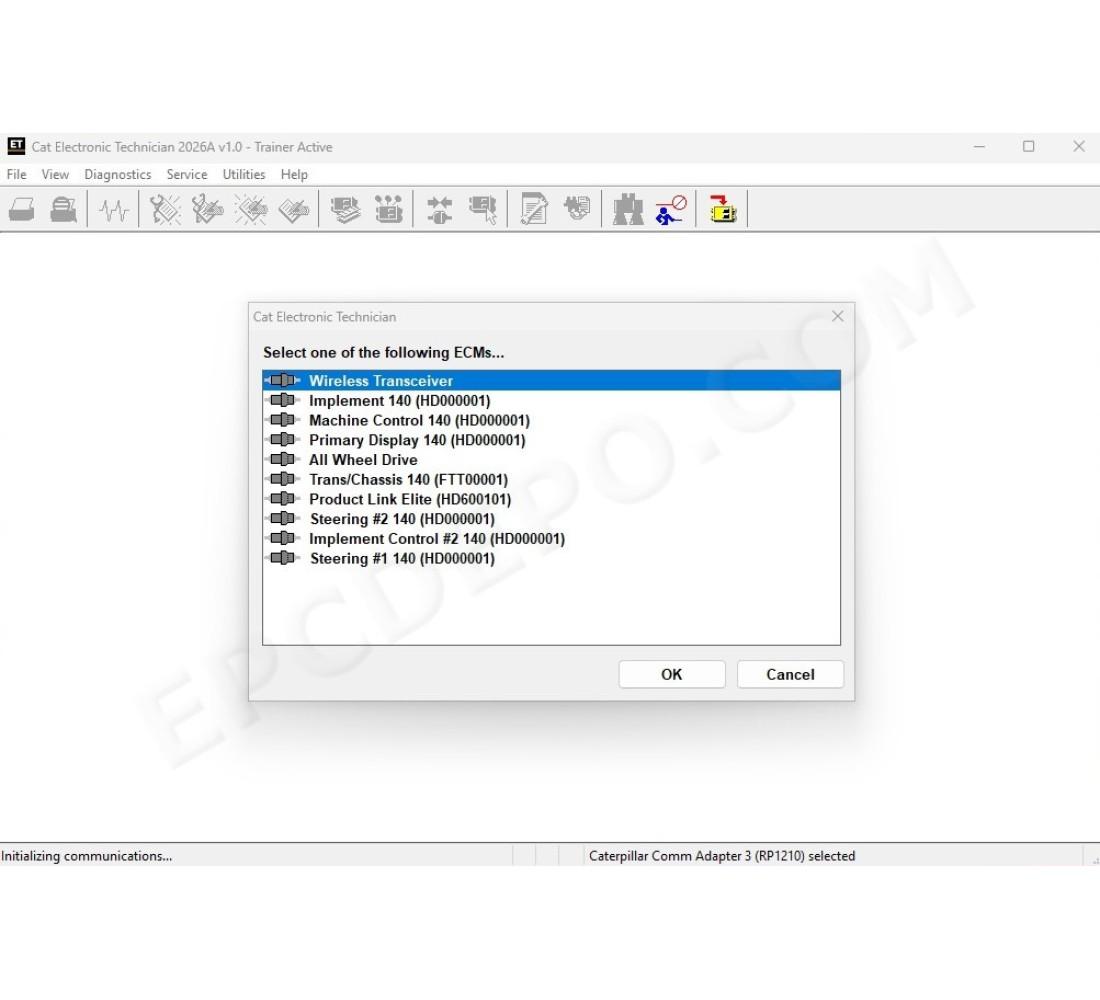
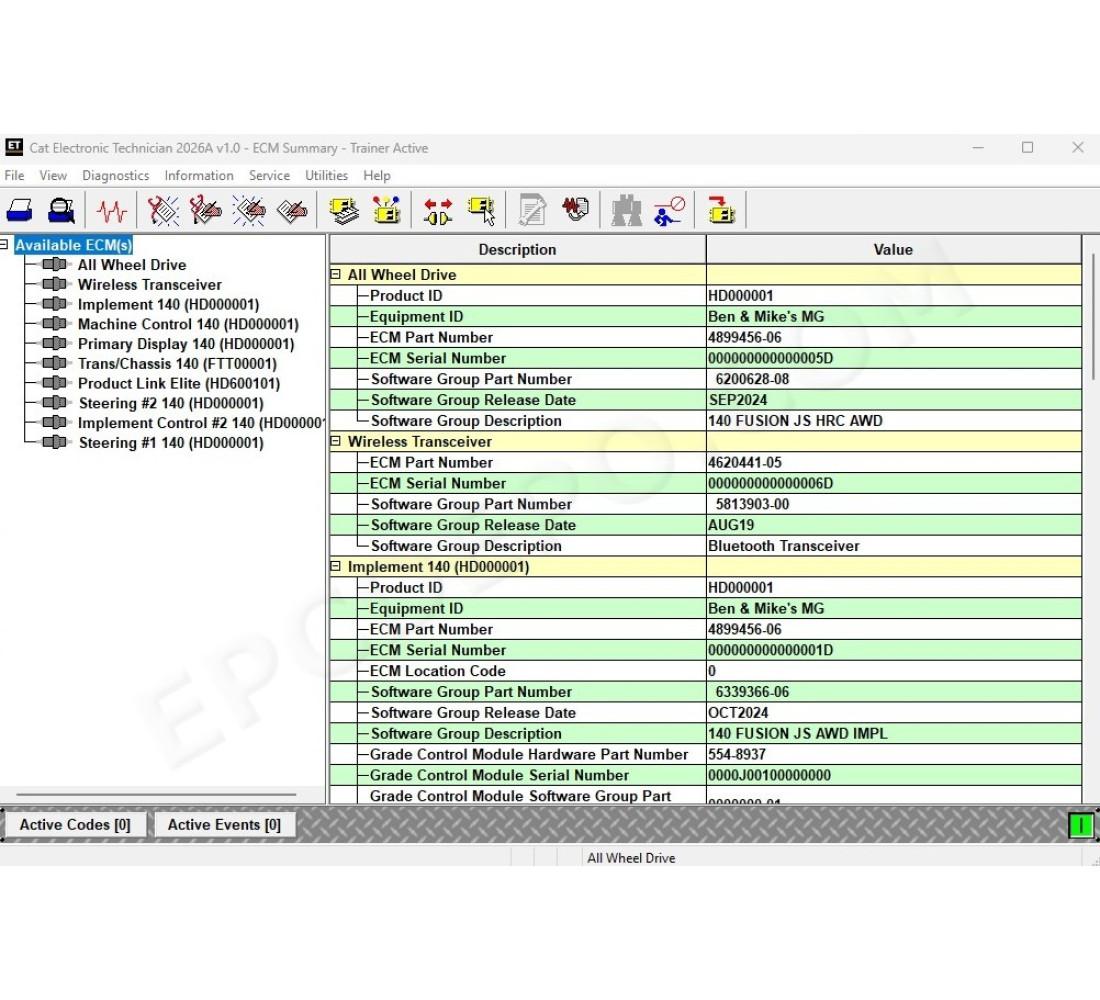
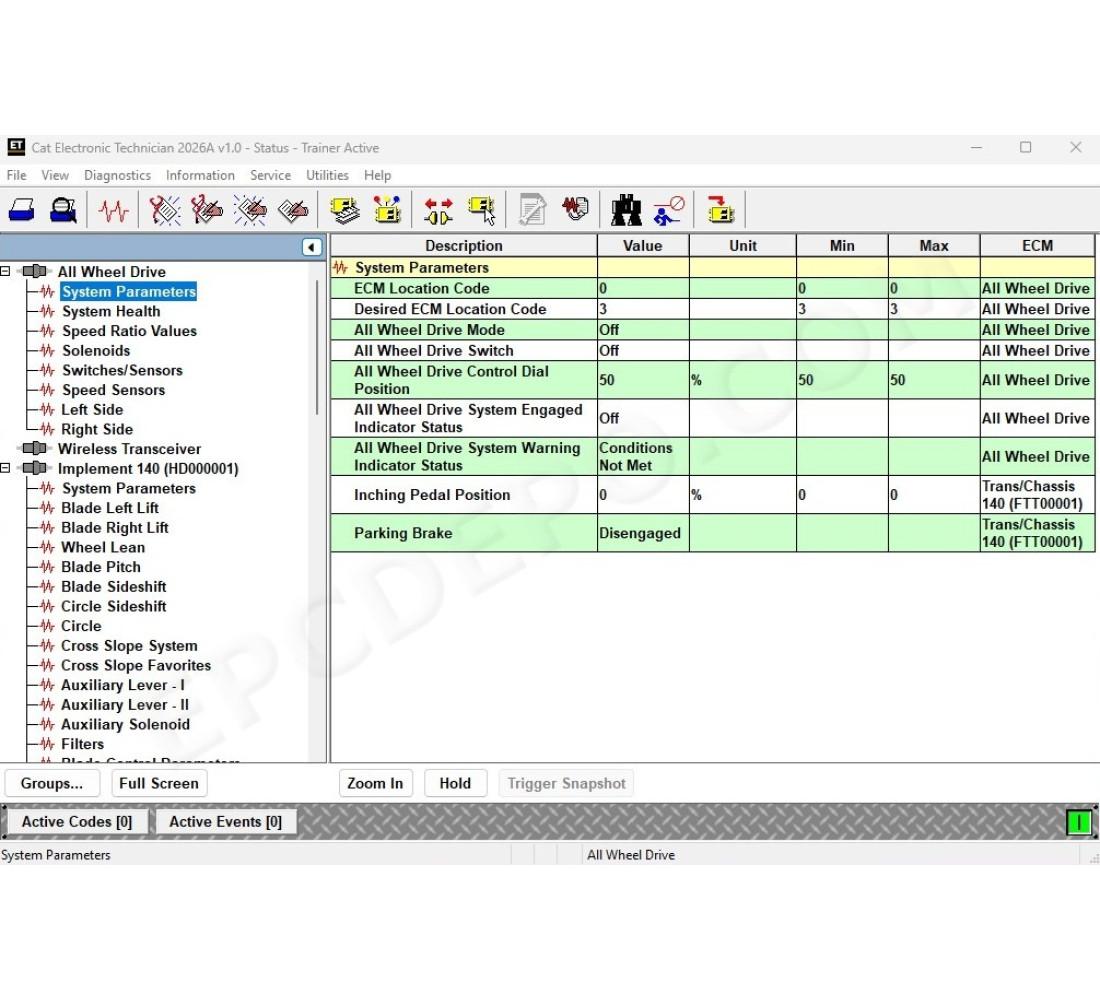
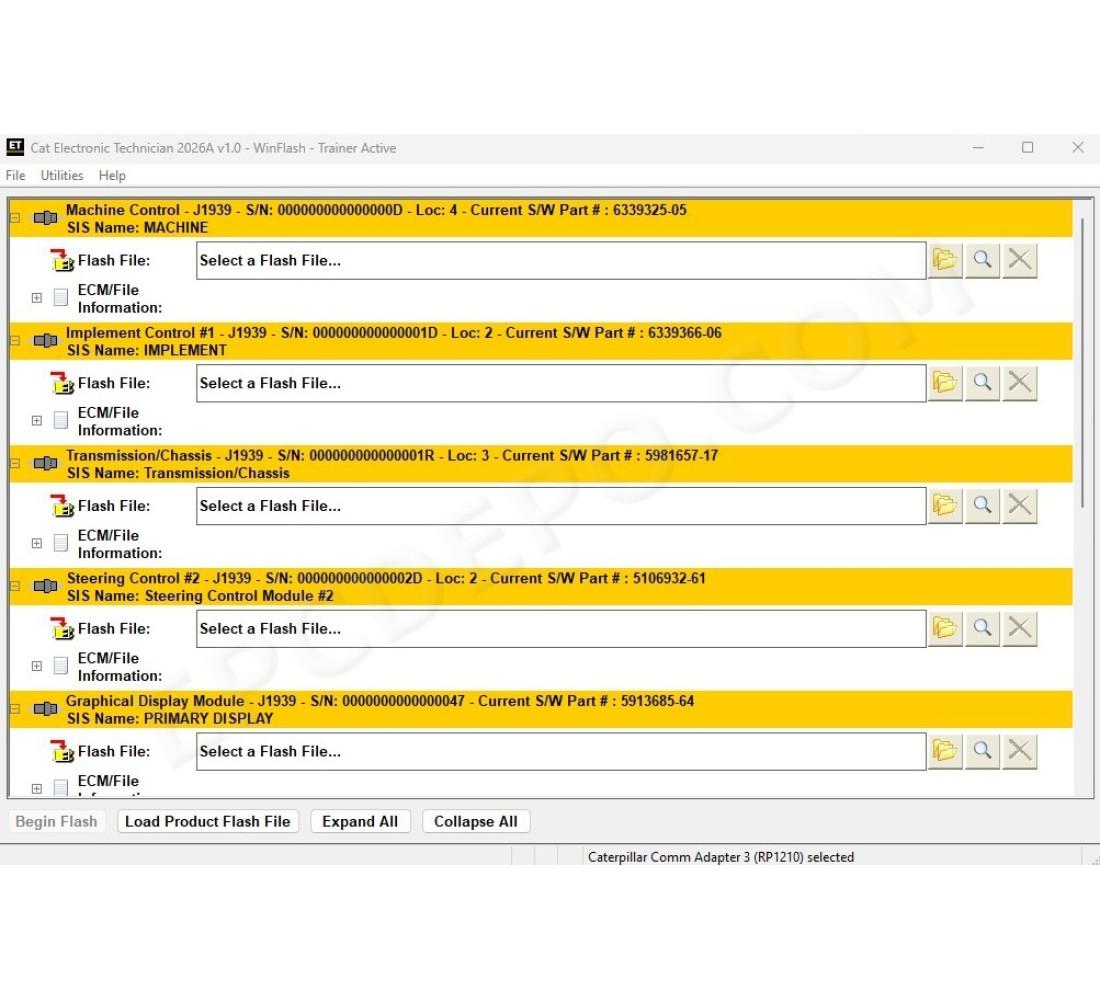
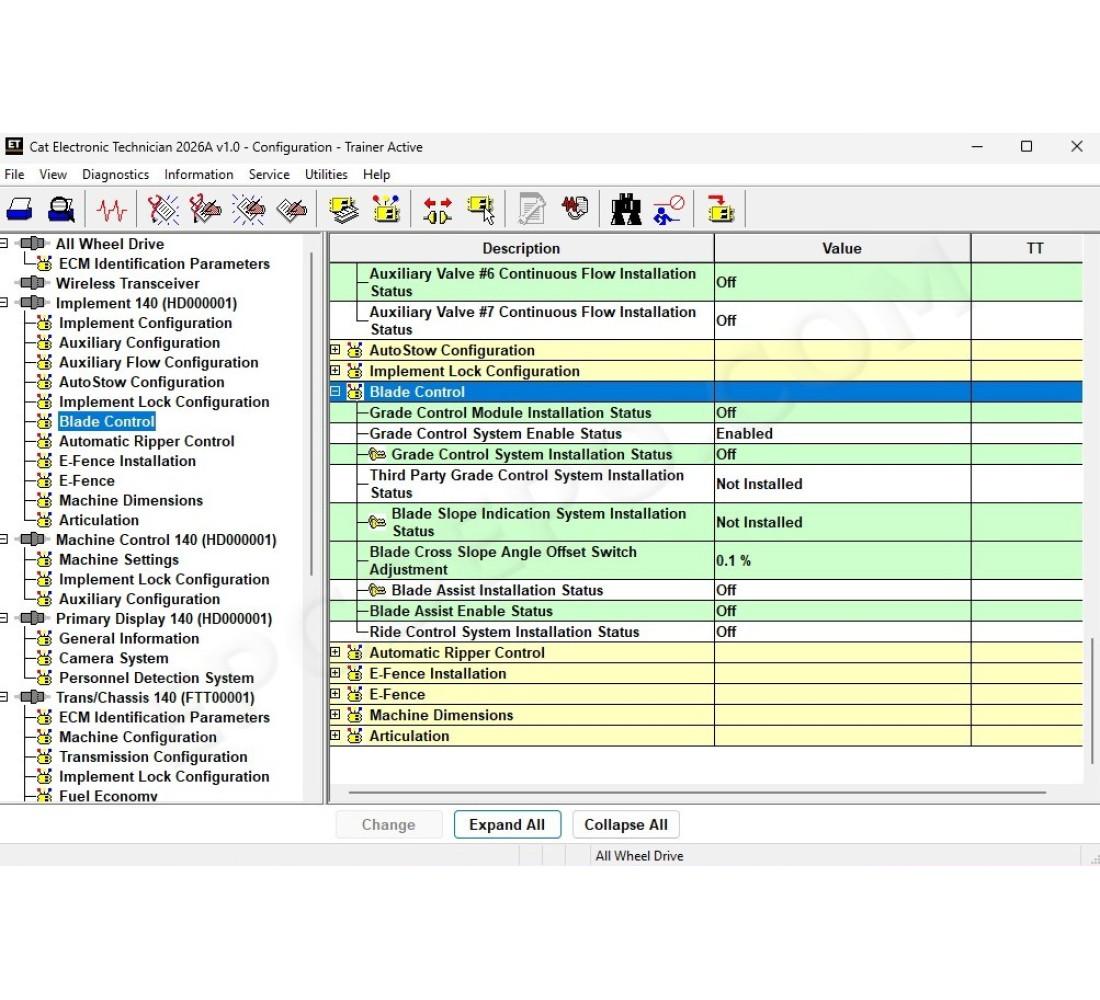


Caterpillar CAT ET Electronic Technician 2026A
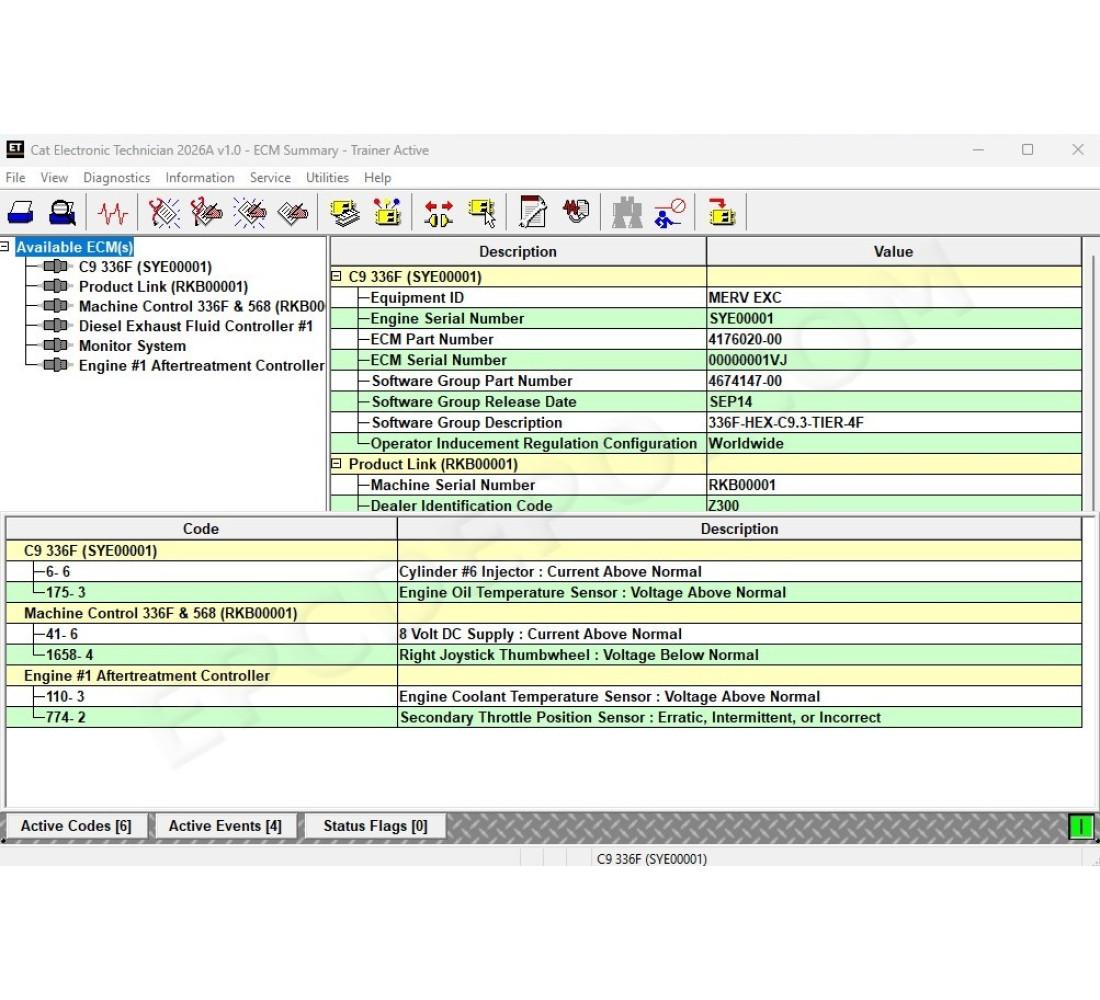
Communication with the Electronic Control Modules (ECMs) through a communication data link, allowing existing and potential problems to be diagnosed, products to be configured, and data to be obtained for analysis
Features:
View active and logged diagnostics
View events where irregularities occurred and were logged by the ECM
View the status of a group of parameters (temperatures, pressures, etc.) simultaneously
Record and log performance data
Graph a group of status parameters
View the current configuration of an ECM
Change ECM configurations
Perform diagnostic tests
Perform calibrations
Print reports and diagnostic results
OTHER
Release news & changes:
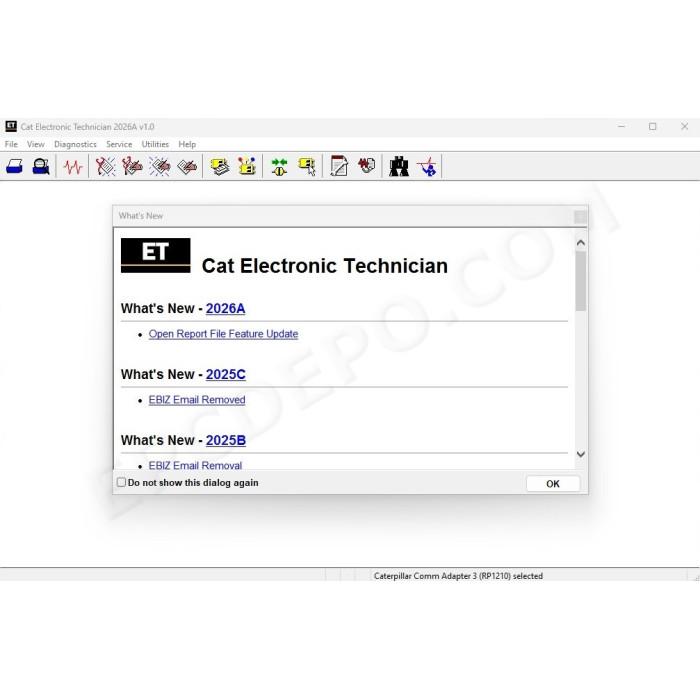
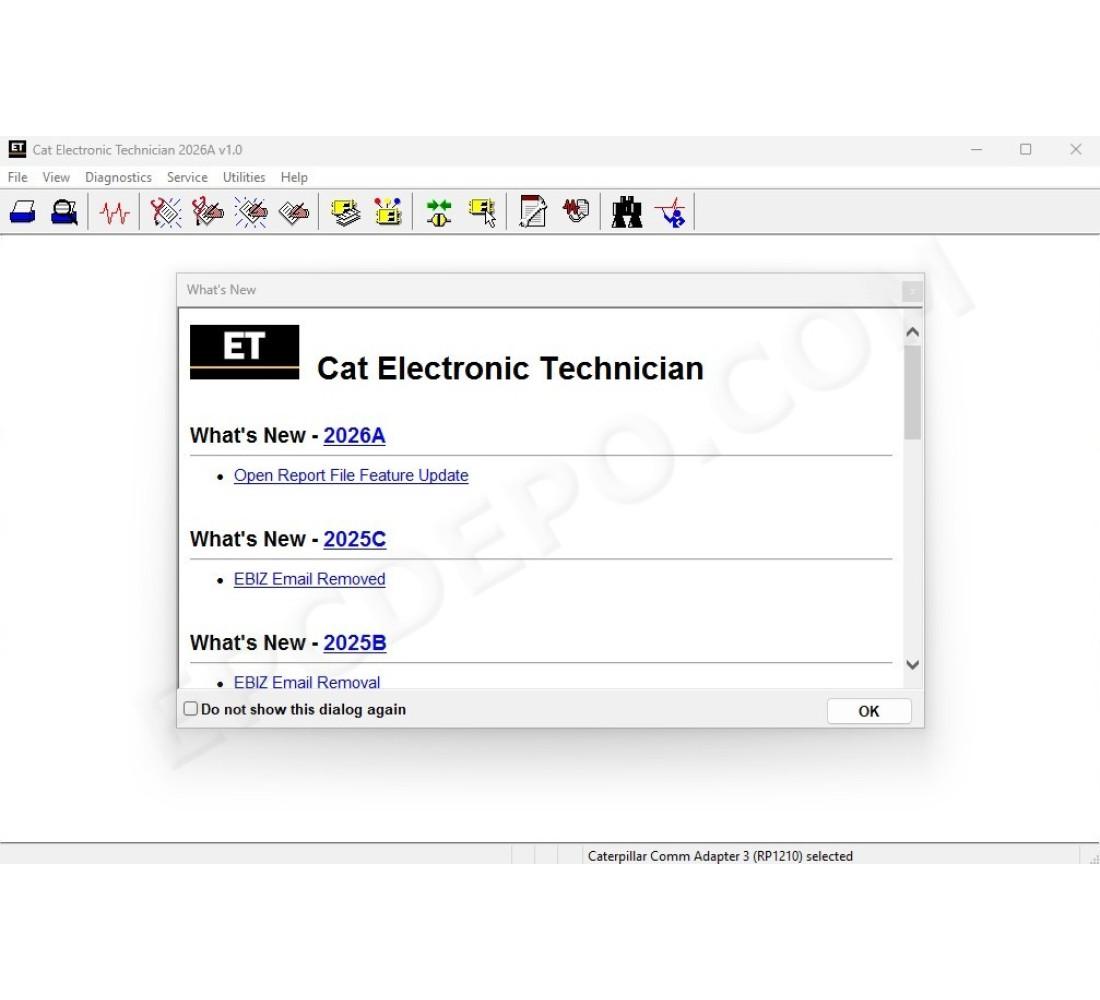
Cat ET 2026A
Open Report File Feature Update
New security models no longer allow XML files to be opened in browser windows. The “Report File” function on the File => Open menu now creates an HTML file when an XML file is opened. This restores the ability to open report files created in the service tool in a browser.
Cat ET 2025C
EBIZ Email Removed
Cat ET 2025B
EBIZ Email Removal
Trainer Update – 140-16 Motor Grader
Trainer Update – 627 Wheel Tractor-Scraper
Cat ET 2025A
No significant new features or feature enhancements
Cat ET 2024C
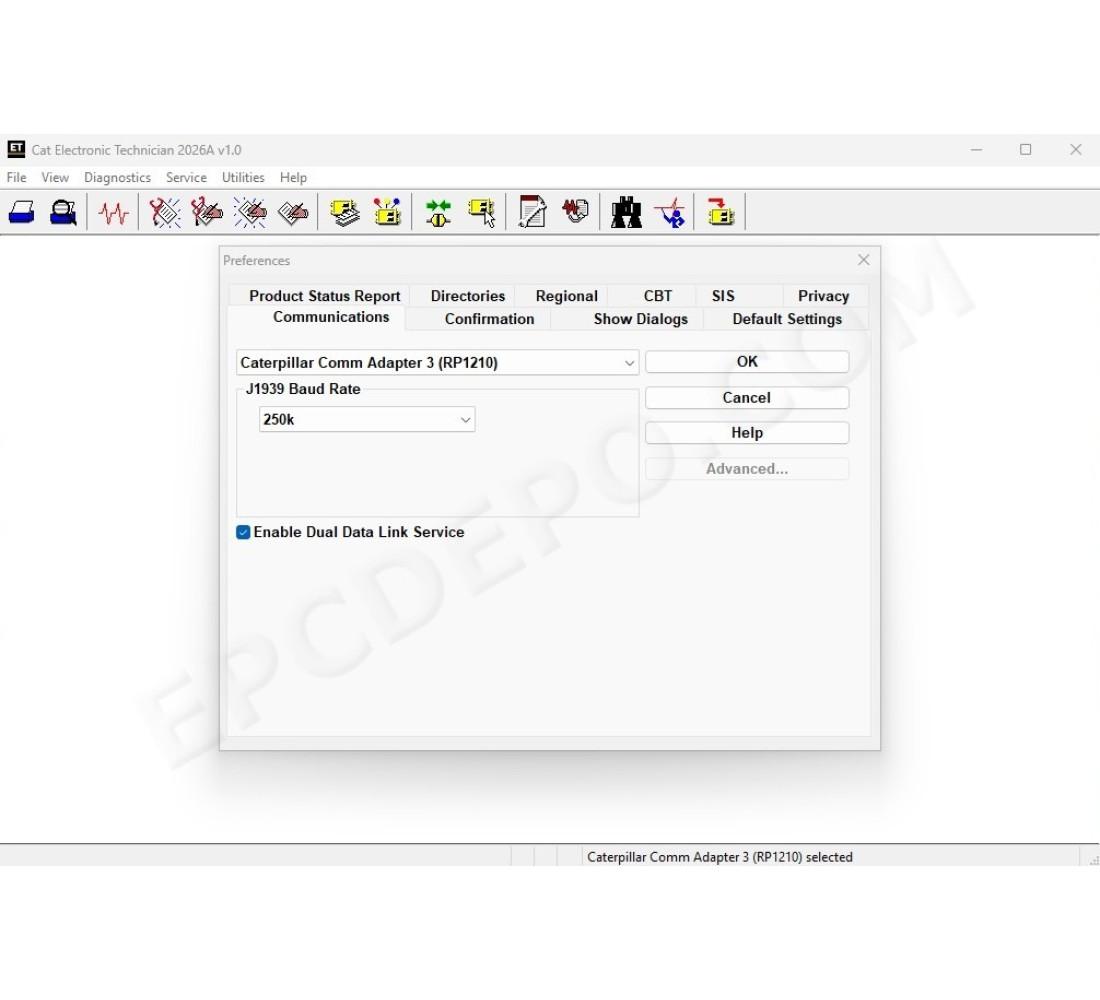
Automatic Connection Preferences
Users are now able to change multiple automatic connection preferences for the service tool and WinFlash. After navigating to the Preferences dialog, users may enable the service tool to connect automatically when opened in service and/or flash mode. Both options may also be disabled if the user wishes to connect manually
Cat ET 2024B
No significant new features or feature enhancements
Cat ET 2024A
Feature Protection System (FPS) Default Browser Update
Trainer Update – 995 Large Wheel Loader
Cat ET 2023C
Flash Progress Bar
Cat ET 2023B
No significant new features or feature enhancements
Cat ET 2023A
Graphing Colors
The color schemes for features that use graphing, such as Real Time Graph, Data Logger, or Histograms, have been changed. Additionally, the manual color selection process for the Real Time Graph and the Data Logger features has been updated. User selected graph colors are now maintained through any disconnections, and only change when the user chooses to revert to the default color settings or selects different graph colors manually
Cat ET 2022B
New Hot Key to Reposition Service Tool Window
When the service tool window is not showing in the viewable area, there is now a hot key to allow the user to recover the window. CTRL-ALT-H will reposition the window in the viewable area. The original window proportions will be preserved, unless they exceed the main monitor size. In such cases, the window will be resized to fit the main monitor dimensions
Cat ET 2022A
ECM File Replacement Compare Feature
The service tool now has an ECM Replacement File Compare feature for troubleshooting purposes. This feature allows the user to compare one ECM replacement file with another from within the ECM Replacement feature screen. The feature will highlight the differences between the selected files as a whole or the user may select the “only show differences” checkbox
Configuration Group Headings on ECM Replacement Feature
In order to help the user find ECM replacement configuration items easier, configuration items in the ECM Replacement, Fleet Configuration, and Product ECM features are now grouped under their group sub-headings, as is done in the main configuration feature
OTHERS
There are no reviews for this product.